
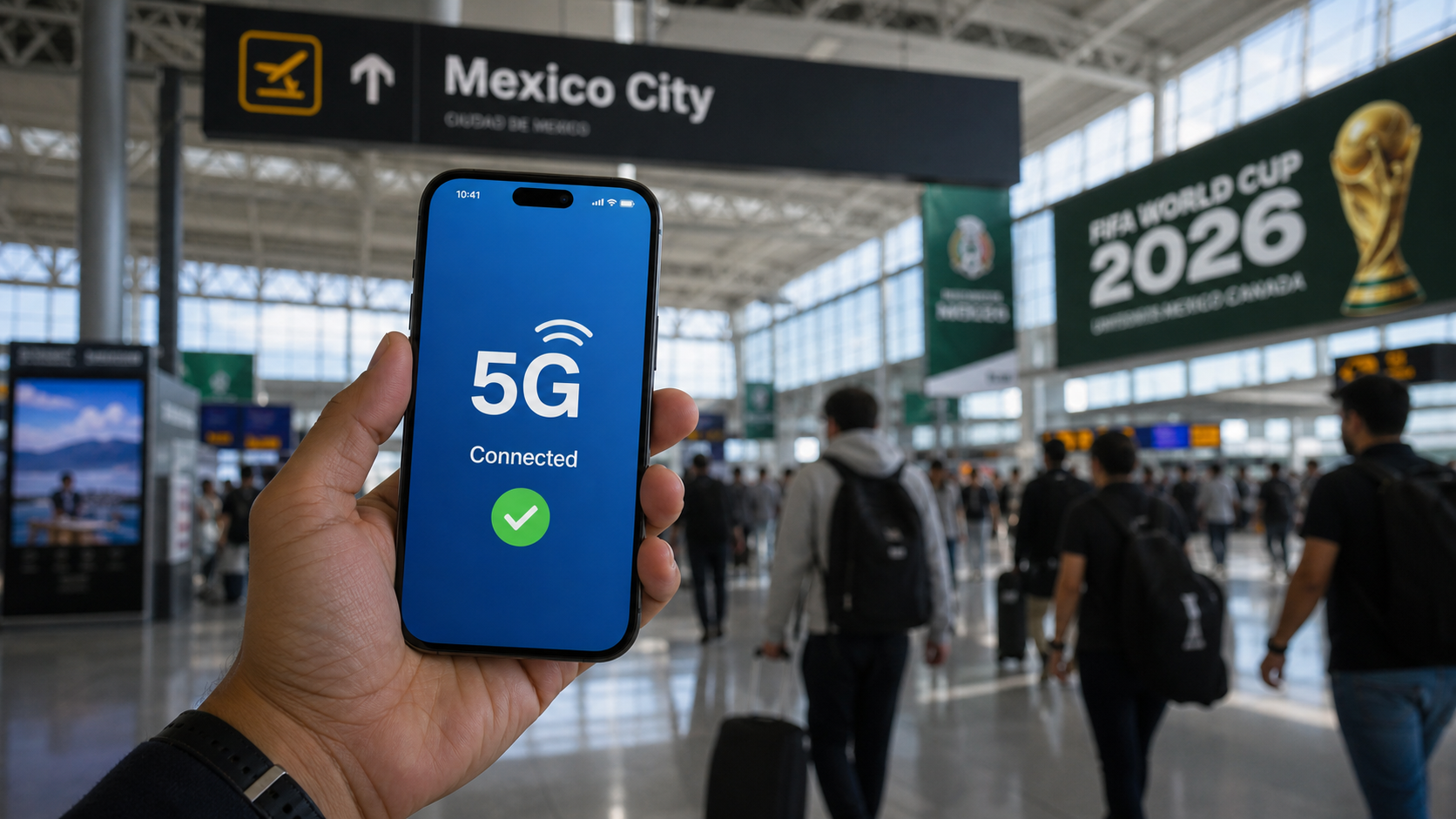
in this guide, we will show you exactly how to buy a 5G eSIM at Mexico City Airport easily
Landing at Mexico City airport for World Cup 2026? Here’s exactly how to buy a 5G eSIM in under 10 minutes before you exit customs — no roaming charges, no confusion
5G eSIM at Mexico City Airport
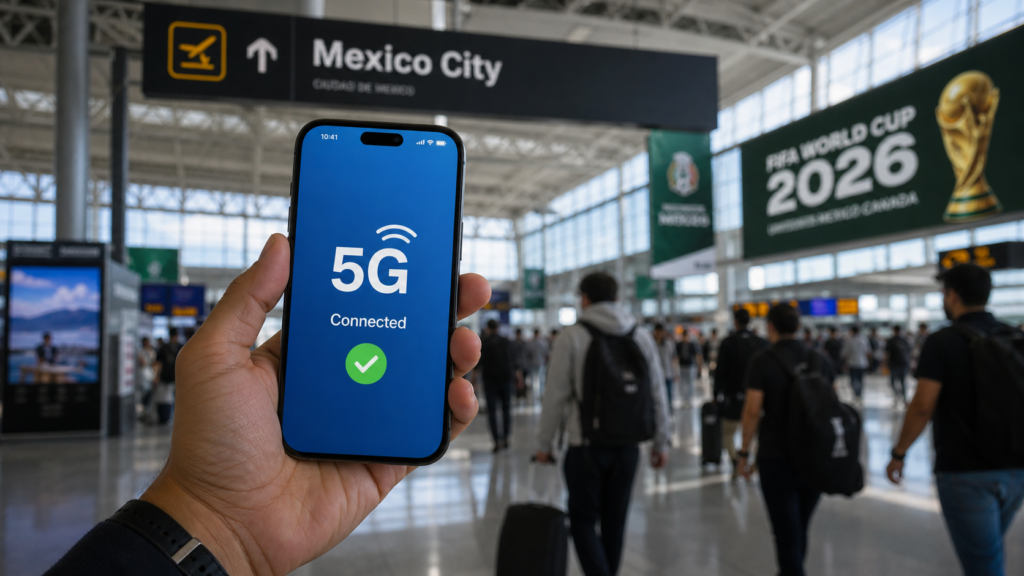
You’ve just landed at Aeropuerto Internacional de la Ciudad de México (AICM). Your phone shows “No Service.” You need Google Maps, Uber, and WhatsApp — right now.
This is the moment that separates the prepared World Cup fan from the one who spends 45 minutes wandering the airport looking for WiFi.
The solution takes 8 minutes and costs less than $15. Here’s exactly what to do.
in this guide, we will show you exactly how to buy a 5G eSIM at Mexico City Airport easily
Why You Need a Local SIM Before Leaving the Airport
Roaming charges from your home carrier in Mexico can reach $10–15 per day — and that’s if your plan even covers it. Over a two-week World Cup trip, that’s $140–210 wasted on connectivity alone.
A local eSIM or SIM card gives you:
- Unlimited data for the duration of your trip
- Local Mexico number (useful for Uber and hotel bookings)
- 5G coverage across Mexico City, Guadalajara, and Monterrey
- Zero roaming surprises on your monthly bill
The best part? You can set it up before you even reach passport control if you use an eSIM.
Option 1: eSIM — The Smart Fan’s Choice
5G eSIM at Mexico City Airport
An eSIM is a digital SIM card you download directly to your phone. No physical card, no fumbling with a SIM ejector pin in a crowded airport.
Best eSIM for Mexico World Cup 2026: Airalo
Airalo is the world’s largest eSIM marketplace and our top recommendation for World Cup fans. Here’s why:
- Mexico data plans starting from $11 for 10GB
- 5G compatible on supported devices
- Works in all 3 host countries (USA, Mexico, Canada)
- Instant activation — buy it on the plane before landing
👉 [Get your Mexico eSIM on Airalo — save 10% with our link]
5G eSIM at Mexico City Airport
How to Set Up Airalo Before You Land
- Download the Airalo app on iOS or Android
- Search for “Mexico” data plans
- Choose your plan (we recommend 10GB for 2 weeks)
- Complete payment
- Install the eSIM profile when prompted
- On arrival, switch to the Airalo eSIM in your phone settings
That’s it. You land connected.
Compatible phones: iPhone XS and later, Samsung Galaxy S20+, Google Pixel 3 and later.
in this guide, we will show you exactly how to buy a 5G eSIM at Mexico City Airport easily
Option 2: Physical SIM Card at AICM Airport
If your phone doesn’t support eSIM, here’s where to buy a physical SIM at Mexico City airport.
Terminal 1 (Domestic & International)
Telcel Store — Level 1, Arrivals Hall
- Location: Near baggage claim, before you exit customs
- Hours: 6:00 AM – 11:00 PM daily
- Price: From $12 USD for 10GB (30 days)
- Network: Mexico’s largest 4G/5G network
AT&T Mexico — Terminal 1
- Location: After customs, main hall
- Price: From $10 USD for 8GB
- Good coverage in Mexico City, slightly weaker in Monterrey
Terminal 2 (International Flights)
Telcel kiosk is located immediately after customs exit, on your right side. You cannot miss it — look for the blue and white Telcel branding.
in this guide, we will show you exactly how to buy a 5G eSIM at Mexico City Airport easily
Which Carrier Wins?
| Carrier | Coverage | Price | 5G |
|---|---|---|---|
| Telcel | ⭐⭐⭐⭐⭐ Best | $12/10GB | ✅ Yes |
| AT&T Mexico | ⭐⭐⭐⭐ Good | $10/8GB | ✅ Yes |
| Movistar | ⭐⭐⭐ Average | $9/6GB | ❌ No |
Winner: Telcel — hands down the best coverage across all 3 World Cup host cities in Mexico.
Step-by-Step: Buying at the Airport in 8 Minutes
Follow these exact steps when you land:
Step 1 — Don’t exit customs yet
The Telcel store in Terminal 1 is BEFORE the customs exit. If you walk past it, you’ll need to go back through security.
Step 2 — Go directly to the Telcel counter
Look for the blue Telcel sign near baggage claim.
Step 3 — Tell them this phrase
“Quiero una SIM con datos, por favor — 10 GB.”
(I want a SIM with data, please — ten gigabytes.)
Step 4 — Pay and activate
They will insert the SIM and activate it for you. Payment: cash (pesos or dollars) or credit card.
Step 5 — Test it
Open Google Maps and search “Estadio Azteca” — if it loads, you’re good to go.
What About Portable WiFi Devices?
Some fans rent a pocket WiFi device (MiFi) that creates a personal hotspot. These are available at AICM from companies like TelMex and Sky.
Our honest opinion: skip it. A pocket WiFi is an extra device to carry, charge, and worry about losing. An eSIM or local SIM does the same job with zero hassle.
The One Thing Most Fans Get Wrong
They wait until they’re outside the airport to buy a SIM — by which point they need Uber to get to the city, but can’t connect to the internet to order one.
Buy your SIM or activate your eSIM before you exit the terminal. Those 8 minutes save you hours of frustration.
Quick Summary
| Option | Best For | Cost | Setup Time |
|---|---|---|---|
| Airalo eSIM | Modern phones | ~$11 | 5 min (on plane) |
| Telcel SIM | All phones | ~$12 | 8 min (airport) |
| AT&T Mexico | Budget option | ~$10 | 8 min (airport) |
| Roaming | No one | $10+/day | ❌ Avoid |
Trip Wired is reader-supported. When you purchase through our Airalo link, we earn a small commission at no extra cost to you. We only recommend products we genuinely believe help World Cup fans.
Check out our Homepage for more World Cup logistics guides!”.
Pingback: Is Mexico City Safe for World Cup Fans in 2026? The Honest Answer - Trip wired